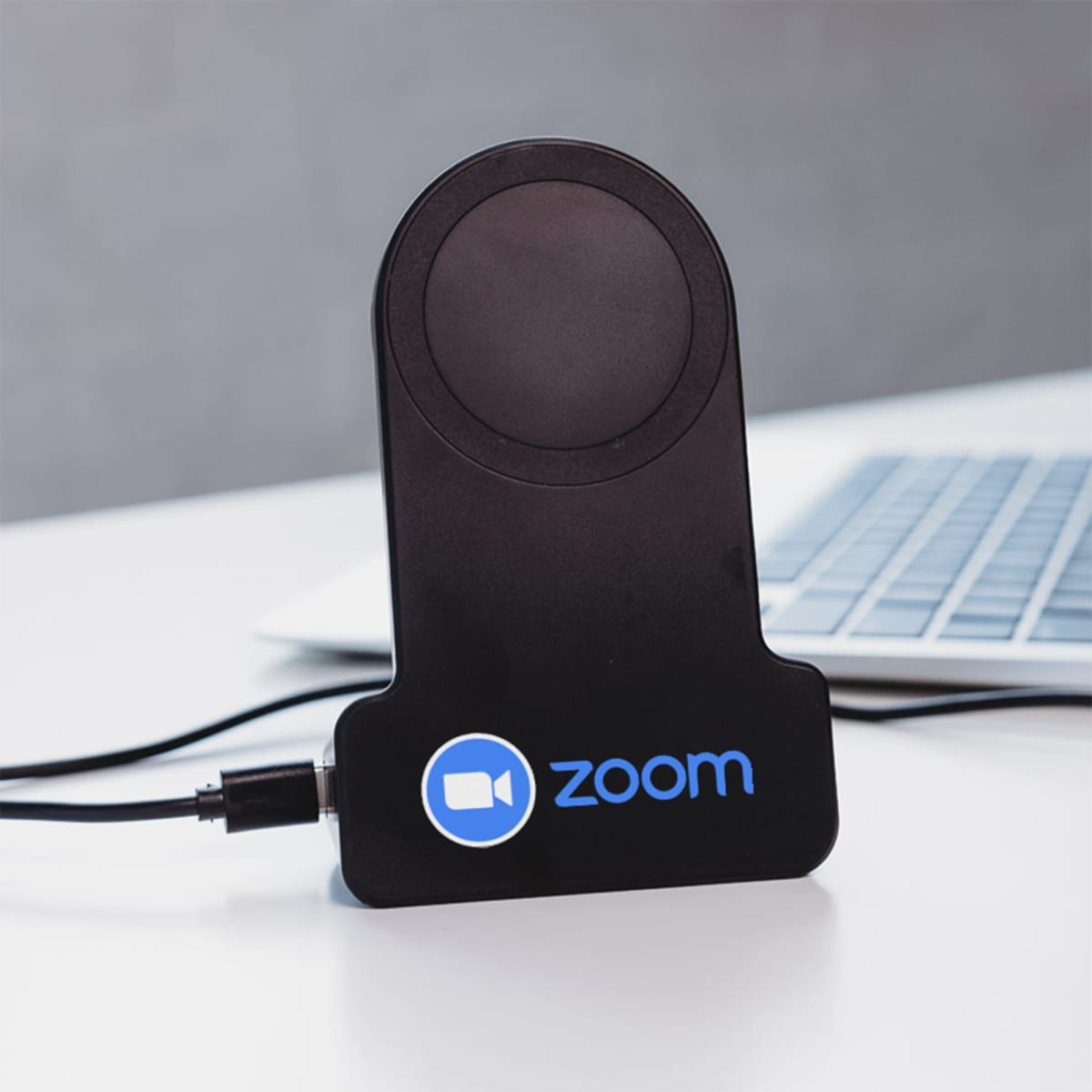
Bolt Charger
Price breaks — select quantity to update price:
Need a different quantity, get in touch.
Colour: Select a colour
Decoration method
Pad Print
Precision ink transfer for curved and irregular surfaces
A silicone pad picks up ink from a plate and transfers it onto the product. Perfect for pens, drinkware, and branded giveaways.
- Precise prints on curved and irregular surfaces
- Up to 4 spot colours per position
- Suitable for most hard goods and drinkware
- Cost-effective for medium-to-large runs
Production time:
Upload designs — select multiple positions
Logo placement is approximate. Final positioning confirmed with artwork approval.
Please note that our 24-hour and 3-day rush services are now reserved for accounts with an annual spend of $15,000 or more. For all other orders, our standard timelines still apply and we remain fully committed to delivering the high-quality service you expect—thank you for your continued business.
With its sleek design and built-in 200mAh battery capacity for photo taking, this stand ensures you take great photos and your gadgets stay charged and within reach at all times. Never worry about low battery again and experience convenience and reliability with the Bolt Charging Stand.
Note: Please use a TYPE-C cable and a wall charger to connect this charging stand, place your phone in the charging area, and your phone will be charged automatically, and the built-in battery will be also charged at the same time.
Disclaimer: The magnetic ring that comes with the charger, does not attach to the stand. The magnetic is to only be stuck on the back of your phone if your phone isn’t mag-safe.
Product Dimensions:
120mm H x 79mm (Bottom of stand) x 60mm (Top of stand)
How to Use Camera Connection:
1. Press and hold the ON key for 2 seconds, and the blue indicator flashes. Make sure your mobile Bluetooth is turned on, search for the new device and connect;
2. After the connection is successful, the blue indicator remains on. At this time, the mobile phone holder can take photos and videos.
3. When not in use, press the ON key for 2 seconds. If the indicator light is off, it means the power is off.
4. It will automatically shut down when the battery is low. At this time, the product needs to be charged. The red indicator light is always on when charging, and the light is off when fully charged. The charging time is about 2.5 hours.
| Capacity | Under 2,500 mAh |
|---|---|
| Features | Bluetooth, Wireless |